How to Stabilize a Wobbly Desk: Simple Fixes That Actually Work
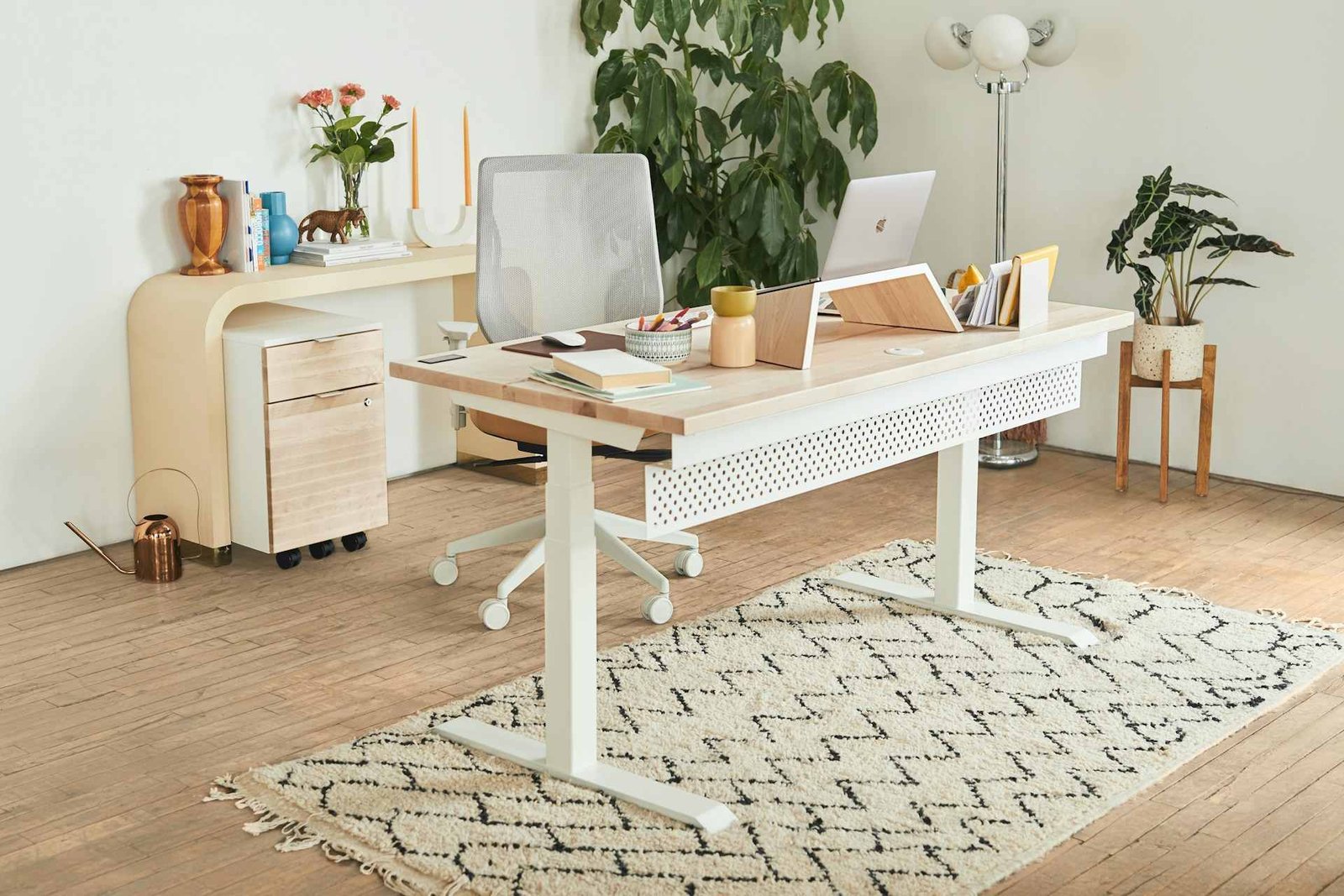
There’s nothing quite like settling into your workspace, coffee in hand, ready to conquer the day, only to have your desk wobble like a rickety ship at sea the moment you rest your arms on it. Whether you’re typing away at an important project or just trying to enjoy your morning scroll through emails, a wobbly desk can turn every task into an exercise in frustration.
The good news? You don’t need to be a master carpenter or shell out hundreds on a brand-new desk to solve this problem. Most desk wobbles have surprisingly simple causes, and with a few clever fixes, you can transform your shaky workspace into a rock-solid productivity zone. Let’s explore what’s making your desk do the cha-cha and how to get it standing steady again.
Why Desks Get Wobbly in the First Place
Before we jump into solutions, it helps to understand what’s actually causing the wobble. Desks don’t usually start out unstable; they develop their shakiness over time or because of their environment.
Uneven floors are one of the sneakiest culprits. Even in modern buildings, floors can have slight variations in height that you’d never notice while walking but become glaringly obvious once you’ve got a desk sitting there. One leg ends up slightly off the ground, and suddenly you’ve got a teeter-totter situation every time you lean forward.
Then there’s the issue of loose hardware. Those bolts and screws holding your desk together? They have a tendency to work themselves loose over time, especially if you’ve moved your desk around or if it sees daily use. Each bump and adjustment gradually loosens the connections until your once-sturdy desk develops a concerning amount of give.
The type of surface your desk sits on matters more than you might think too. Carpet, while cozy underfoot, can be a desk’s worst enemy when it comes to stability. The legs sink in unevenly, compress the carpet differently depending on weight distribution, and create an unstable foundation that no amount of tightening will fix.
Some desks are also just victims of their own design. Budget-friendly options might use thinner materials or fewer support points, and standing desks with their adjustable mechanisms face unique stability challenges. Add in wear and tear from years of use, and you’ve got a recipe for the wobbles.
Related Article: Types of Desk Shapes Explained: From L-Shaped to Rectangular
The Floor Check: Your First Line of Defense
The absolute first thing to tackle when dealing with a wobbly desk is checking whether your floor is the troublemaker. This takes about thirty seconds and might save you from unnecessary furniture surgery.
Get down to floor level (yes, really) and look at where each leg meets the ground. Rock the desk gently and watch which leg lifts off first. That’s your problem child. Sometimes the gap is obvious, sometimes it’s barely a millimeter, but that tiny difference is enough to turn your desk into a seesaw.
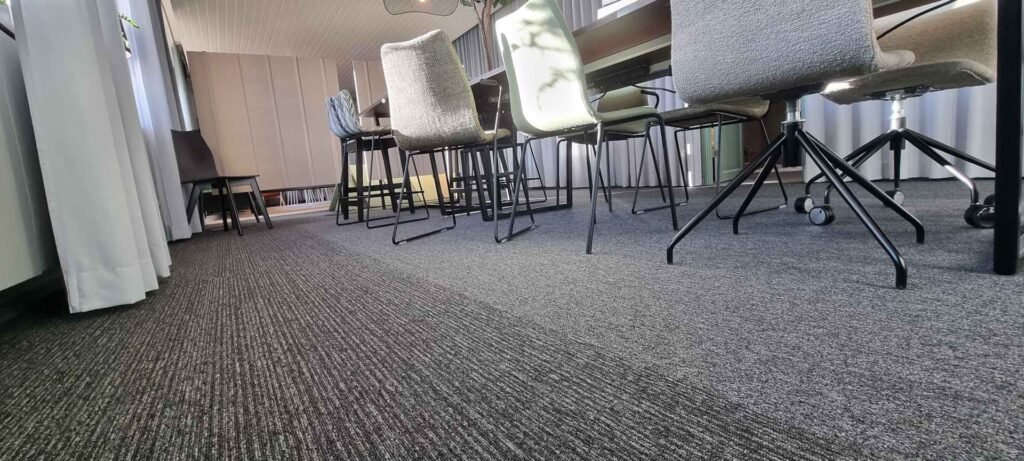
Once you’ve identified the short leg, you’ve got options. The classic fix involves desk leg levelers or adjustable feet. These little gadgets screw into the bottom of desk legs and can be adjusted up or down to compensate for floor irregularities. They’re affordable, easy to install, and work on most desk types. Just make sure you get ones that match your desk’s leg diameter.
If your desk doesn’t accommodate levelers, furniture pads or felt pads work surprisingly well. Stack a few under the short leg until everything sits flush. Pro tip: use self-adhesive pads so they don’t slide around every time you bump the desk. For a more permanent solution, small wooden shims can be cut to size and secured with adhesive.
For those dealing with very uneven floors, rubber stabilizing pads provide a grippy surface that helps compensate for minor variations while also protecting your floor from scratches. They’re especially useful on hard surfaces where standard pads might slide.
How to Stabilize a Desk on Carpet Without Losing Your Mind
Carpet presents its own special brand of desk-wobbling chaos. The problem isn’t just unevenness; it’s that carpet is soft and compressible, so your desk legs sink in at different rates depending on how much weight each one carries.
The solution starts with giving your desk a solid foundation that carpet can’t mess with. Furniture coasters or wide furniture cups work wonders here. These spread the weight across a larger surface area, preventing the legs from sinking deeply into the carpet pile. Look for ones at least three to four inches in diameter to really distribute that weight effectively.
For standing desks on carpets, the stability challenge is even trickier since you’re dealing with height adjustability plus the sinking issue. Many people find success with anti-slip mats or desk mats placed under their standing desks. These create a firm, level surface between the carpet and desk legs. Just make sure the mat is large enough to accommodate all four legs, or you’ll end up with a different type of unevenness.
Another clever approach involves using a large, sturdy board or platform under your entire desk. This essentially creates a mini-floor that stays level regardless of what the carpet underneath is doing. You can make this look intentional by choosing an attractive piece of plywood or MDF, cutting it to size, and even staining or painting it to match your workspace aesthetic.
If you’re really committed to the carpet life but need serious stability, consider commercial-grade chair mats. Yes, they’re designed for office chairs, but a large rectangular one can serve as an excellent desk foundation. They’re designed to handle weight and movement, which makes them perfect for keeping desk legs from sinking unevenly.
Tightening Things Up: The Hardware Check
Sometimes the wobble isn’t about the floor at all but about the desk itself coming apart at the seams. This is especially common with assembled furniture that uses bolts, screws, and brackets to hold everything together.
Grab your toolkit and check every single connection point. We’re talking about where the legs meet the desktop, where crossbars connect to legs, where support brackets attach to everything. Give each bolt and screw a test turn. If it moves even slightly, it needs tightening.

For hex bolts, use the appropriately sized Allen key and tighten firmly but not so hard you risk stripping the threads or cracking the material. For regular screws, a screwdriver with good torque control does the job. If you find that certain screws keep loosening no matter how often you tighten them, a tiny drop of threadlocker solution on the threads can keep them in place permanently.
While you’re at it, inspect the actual connection hardware. Sometimes the issue isn’t looseness but damaged parts. Stripped screw holes, bent brackets, or worn-out cam locks all contribute to instability. Most hardware stores sell replacement furniture hardware, and swapping out damaged pieces can make a world of difference.
For desks with wooden legs that have become loose in their sockets, wood glue can reinforce the connection. Apply a thin layer to the joint, press firmly together, and let it cure for 24 hours. Just make sure this is a permanent fix you’re okay with before committing.
Reinforcement Strategies for Persistent Wobbles
When standard fixes don’t quite cut it, it’s time to think about reinforcement. This is especially relevant for larger desks or those that handle heavy equipment like multiple monitors and desktop computers.
Corner braces are your best friend here. These L-shaped metal brackets attach to the underside of your desk where the legs meet the top, creating a much more rigid connection. They’re inexpensive, come in various sizes, and installation only requires a drill and some screws. Four corner braces can transform a wobbly desk into something surprisingly sturdy.
For desks with a modular design or standing desks, stability bars or crossbars between the legs add significant rigidity. Many standing desks actually have optional crossbar kits available from the manufacturer, but you can also fabricate your own from metal piping or wooden dowels if you’re handy.
Adding a lower shelf or platform between desk legs serves double duty. Not only does it provide storage space, but it also creates a structural connection that prevents the legs from splaying outward, which is a common cause of wobble. This works particularly well for desk setups that need extra storage anyway.
Sometimes the desktop itself is the problem, especially with thinner particle board or hollow-core surfaces. These can flex under weight, creating a bouncy feeling even when the legs are perfectly stable. Adding a supportive frame underneath or placing a piece of plywood between the desktop and leg assembly can stiffen things up considerably.
Special Considerations for Standing Desks
Standing desks deserve their own section because they face unique stability challenges. The very features that make them great (adjustable height, motorized mechanisms) also make them more prone to wobbling.
The higher you raise a standing desk, the more it wants to wobble. It’s just physics, a taller structure with the same base width is naturally less stable. This wobble often becomes most noticeable when you’re actively typing or using your keyboard and mouse, which is unfortunately when you need stability most.
For standing desk stability, weight distribution matters enormously. Make sure your desk setup is balanced, with heavier items like monitors positioned centrally rather than clustered on one side. If you’re using monitor arms, attach them to the desk frame if possible rather than clamping to the desktop, which reduces stress on the surface.
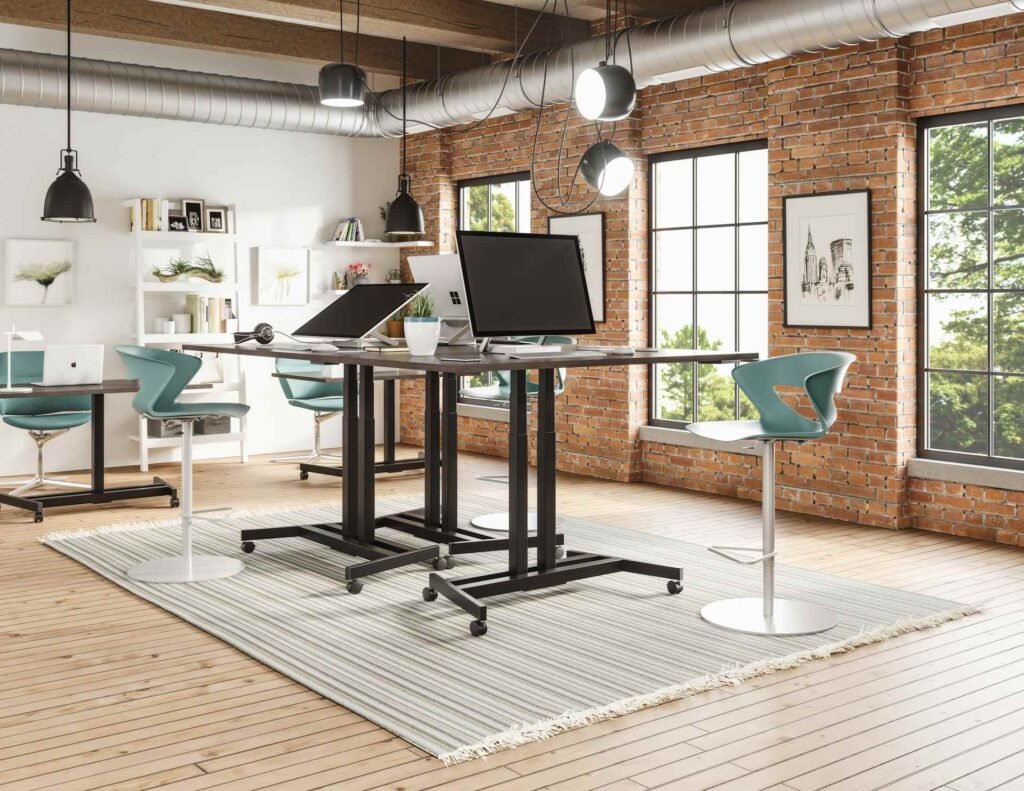
The desk’s footprint plays a huge role too. Some standing desks have narrower bases to save space, but this compromises stability. If wobble is a serious issue and you’re in the market for an upgrade, prioritize models with wider leg spans or T-shaped leg designs that provide more stability at maximum height.
Regular maintenance is crucial for standing desks. The moving parts and adjustment mechanisms need periodic inspection and tightening. Check the motor mounting brackets, leg connections, and control box attachments every few months. A little preventive maintenance goes a long way toward keeping things solid.
For those working at standing height on carpets, the stability challenges multiply. Using a combination of furniture coasters under each leg plus an anti-fatigue mat for yourself creates the best setup. Some users even build a small wooden platform for their standing desk to sit on, ensuring a perfectly level, firm foundation regardless of the flooring underneath.
Quick Comparison: Stability Solutions at a Glance
| Solution | Best For | Cost | Difficulty | Effectiveness |
|---|---|---|---|---|
| Adjustable leg levelers | Hard floors, minor unevenness | $ | Easy | High |
| Furniture coasters | Carpet, soft floors | $ | Very Easy | Medium-High |
| Corner braces | Loose leg connections | $ | Moderate | Very High |
| Anti-slip mats | Carpet with standing desks | $$ | Easy | High |
| Hardware tightening | Assembly furniture | Free | Easy | Medium-High |
| Crossbars/stability bars | Large or standing desks | $-$$ | Moderate | Very High |
| Furniture pads/shims | Minor floor irregularities | $ | Very Easy | Medium |
| Platform/board base | Carpet, uneven floors | $$ | Moderate | Very High |
DIY Solutions That Actually Work
Sometimes the best fixes come from thinking outside the hardware store. We’ve seen some pretty creative solutions that work surprisingly well.
Pool noodles might sound absurd, but cut into discs and placed under desk legs on carpet, they provide cushioning and surface area that prevents sinking. They’re cheap, adjustable by cutting to different heights, and colorful if you’re into that sort of thing.
Old hockey pucks serve as excellent, indestructible furniture coasters. They’re dense rubber, perfectly sized for many desk legs, and provide great grip on both hard floors and carpet. Plus, they’re a conversation starter.
For adjustable solutions, cork makes an excellent shim material. It’s naturally slightly grippy, compresses just enough to conform to uneven surfaces, and can be stacked to various heights. Cork sheets from craft stores are perfect for this.
Tennis balls with a slit cut in them can slip over desk leg bottoms, creating cushioned feet that work well on hard floors. They absorb vibration, protect the floor, and add a quirky touch to your workspace. Just make sure the slit is sized correctly so they stay put.
Rubber drawer liner, that grippy mesh stuff designed to keep things from sliding around in kitchen drawers, works beautifully under desk legs on smooth floors. Cut it into squares and place under each foot for instant anti-slip action.
Preventing Future Wobbles
Once you’ve achieved desk stability nirvana, you’ll want to keep it that way. Regular maintenance prevents small issues from becoming major wobbles.
Make it a habit to check and tighten all hardware connections every few months. It takes five minutes and can prevent weeks of annoying wobble. If you adjust your desk height frequently (whether standing desk or just rearranging), check things more often since movement accelerates hardware loosening.
Be mindful of how you use your desk. Leaning heavily on one corner repeatedly, using it as a step stool, or consistently overloading one side with weight contributes to long-term stability issues.

When cleaning or rearranging your workspace, take a moment to inspect the desk legs and their contact with the floor. Furniture pads can shift over time, levelers can drift, and what was once balanced can become uneven again.
For carpet installations, remember that the carpet pile compresses over time, especially under weight. What worked perfectly six months ago might need slight adjustment now. Similarly, floors in older buildings can settle or shift seasonally, particularly in climates with significant temperature and humidity changes.
Related Article: The Best Office Temperature for Productivity
If you’re using temporary stability solutions like stacked furniture pads, consider upgrading to more permanent fixes once you’ve confirmed what works. Permanent solutions require less maintenance and are less likely to shift out of place.
FAQ
Can I fix a wobbly desk without tools?
Absolutely! Many wobble fixes require zero tools. Furniture pads, felt pads, or even folded cardboard can be placed under short legs to level things out. If your desk sits on carpet, simply repositioning it might help if the current spot has compressed carpet. For very minor wobbles, redistributing the weight on your desk surface can sometimes be enough. That said, having a screwdriver and Allen key set handy opens up many more solutions like tightening existing hardware.
How do I know if my desk wobble is from the floor or the desk itself?
Try this simple test: move your desk to a completely different spot in the room or even a different room entirely. If the wobble disappears or significantly changes, your floor was the culprit. If the wobble follows the desk unchanged, the problem is with the desk’s structure or hardware. You can also try placing the desk on a known level surface (like a concrete garage floor or outdoor patio) for a definitive answer.
Are wobble stoppers worth buying?
Wobble stoppers and stabilizers can definitely be worth the investment, especially for specific situations like stabilizing table legs that splay outward or dealing with persistent carpet sinking. They’re relatively inexpensive compared to buying a new desk. However, start with free or cheap solutions first (tightening hardware, furniture pads, shims) since these solve most wobble problems. If those don’t work, then specialized stabilizers make more sense.
Why does my standing desk wobble more at higher positions?
This is completely normal physics at work. When you raise a standing desk, you’re essentially making it taller while the base stays the same width. This creates a less favorable height-to-width ratio for stability. Think of it like a tall tower versus a short, squat building, both with the same foundation. The taller structure naturally wants to sway more. Most quality standing desks are designed to minimize this, but some wobble at maximum height is expected, especially during active typing. You can reduce it by ensuring the desk is on a level, firm surface, tightening all hardware, and positioning heavier items centrally on the desktop.
Can a wobbly desk damage my electronics?
Generally, a wobbly desk won’t directly damage electronics, but it’s not ideal. Constant vibration could theoretically affect devices with moving parts like old-style hard drives, though modern solid-state drives don’t have this concern. The bigger risk is that wobbling increases the chance of accidentally knocking something over or off the desk. It’s also just distracting and unpleasant to work with, which is reason enough to fix it.
Do rubber pads really prevent desk wobble?
Rubber pads are excellent for certain types of wobble but not others. They work great when your desk is stable but slides around on smooth flooring, creating the sensation of wobble when you bump it. They also help on slightly uneven floors by providing some cushioning and grip. However, if your wobble comes from loose hardware or significantly uneven legs, rubber pads alone won’t solve the problem. They’re best used as part of a comprehensive stability solution rather than the only fix.
Conclusion
Conquering the wobbly desk doesn’t require a degree in engineering or a complete workspace overhaul. With a bit of detective work to identify the source of the shake and some strategic fixes, you can transform your rickety workspace into a solid foundation for productivity.
Whether your nemesis is an uneven floor, rebellious carpet, loose hardware, or a standing desk that thinks it’s a diving board at maximum height, there’s a solution that fits your situation and skill level. Sometimes it’s as simple as a furniture pad; other times, it calls for corner braces and crossbars. The key is addressing the root cause rather than just living with the wobble and developing a nervous twitch every time you reach for your coffee.
Your desk is where you spend a huge chunk of your day, whether you’re crushing deadlines, conquering emails, or pretending to look busy during virtual meetings. It should be stable, comfortable, and completely wobble-free. Now that you’ve got the know-how, there’s no excuse for putting up with a desk that moves more than you do. Happy stabilizing!
Looking for more? Check out our office furniture category for more articles and guides that may interest you!
Featured image credit: Photo by ergonofis on Unsplash
This content is for informational purposes only. Please verify current information directly on the retailer’s site before purchasing.