Do Mechanical Keyboards Actually Make You Type Faster?
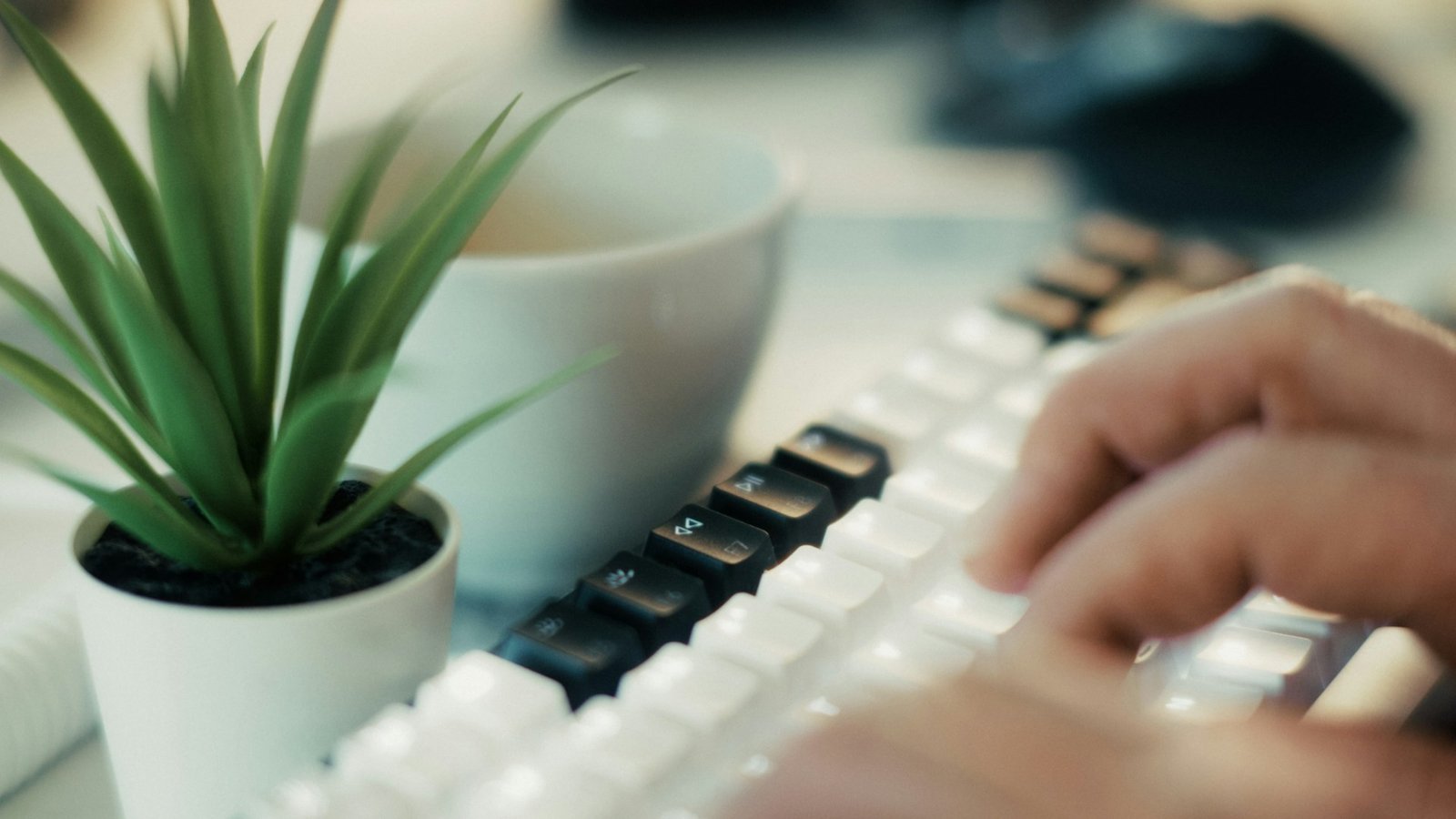
You know that satisfying click-clack sound echoing through offices and gaming setups everywhere? That’s the anthem of mechanical keyboard enthusiasts who swear their typing speed skyrocketed the moment they ditched their mushy membrane boards. But does a mechanical keyboard actually make you type faster, or is it just an expensive placebo with really nice sound effects?
Let’s dive into the clickety-clack reality of what these keyboards can (and can’t) do for your typing speed.
What Makes Mechanical Keyboards Different?
Before we tackle the speed question, we need to understand what sets mechanical keyboards apart from their membrane cousins sitting in bargain bins everywhere.
Traditional membrane keyboards work like a sandwich. You’ve got three layers of plastic film, and when you press a key, you’re essentially pushing two sheets together to complete a circuit. They’re quiet, cheap, and about as exciting as plain toast.
Mechanical keyboards take a different approach entirely. Each key gets its own individual switch mechanism, complete with springs, stems, and housings. Think of it like upgrading from a budget sedan to something with actual suspension, every keypress becomes a distinct, tactile experience.
These switches come in different flavors too. Some give you a satisfying bump when you press them (tactile switches), others click audibly like a pen (clicky switches), and some glide smoothly without any feedback until they bottom out (linear switches). The variety means you can actually pick what feels right for your fingers, which is where things get interesting for typing speed.
The Real Question: Do Mechanical Keyboards Make You Type Faster?
Here’s where we separate hype from reality. The short answer is: maybe, but probably not in the way you think.
A mechanical keyboard won’t magically transform you into a typing wizard overnight. Your brain still needs to know where the keys are, your muscle memory still needs training, and your typing technique still matters more than any piece of hardware. If you hunt and peck with two fingers, switching to a mechanical keyboard won’t suddenly grant you touch-typing superpowers.
However, and this is the important bit, mechanical keyboards can create conditions that make faster typing more sustainable and comfortable over time. The difference isn’t about raw speed bursts, but about maintaining your natural pace without fatigue dragging you down.
The tactile feedback from mechanical switches gives your fingers clear confirmation that a keypress registered. You don’t need to bottom out completely or hammer the keys like you’re angry at your keyboard. This lighter touch can reduce finger fatigue during marathon typing sessions, which means your speed stays more consistent throughout the day.
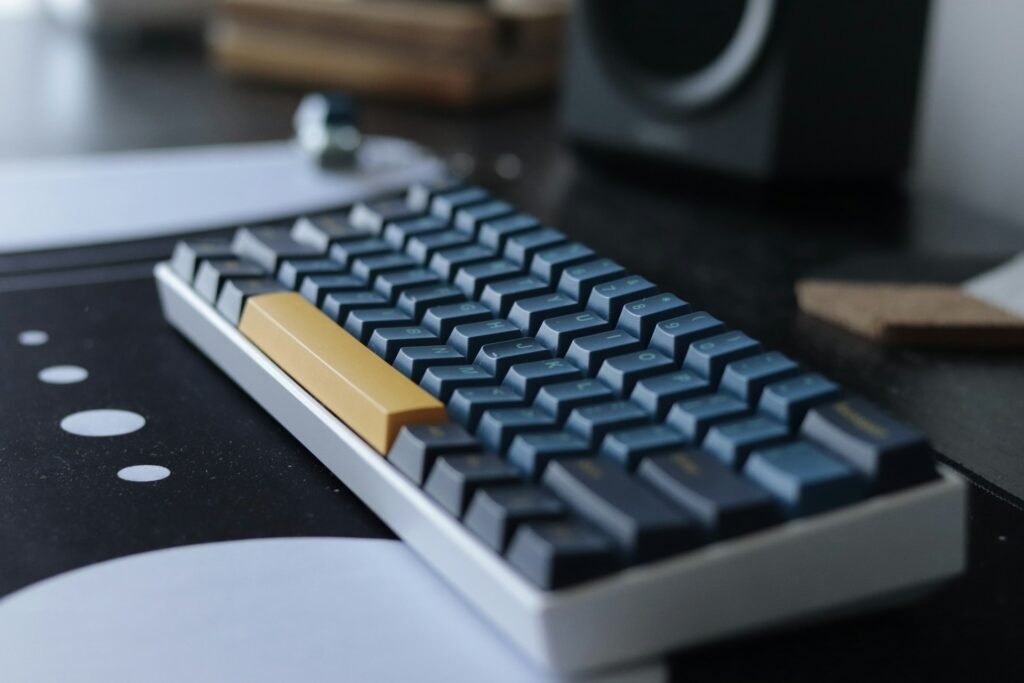
Many people report that they type faster on a mechanical keyboard simply because the experience feels better. When something feels good, you naturally want to keep doing it. That positive reinforcement can lead to more practice, and more practice definitely leads to faster typing. It’s an indirect benefit, but a real one nonetheless.
How Mechanical Keyboards Actually Help Your Typing
Let’s get practical about the advantages these keyboards bring to the table beyond just feeling premium.
Reduced Actuation Force and Travel Distance
Most mechanical switches require less force to register a keypress compared to membrane keyboards. While a typical membrane board might need you to push all the way down with significant pressure, many mechanical switches activate halfway through their travel. Some switches actuate at just 1.5mm, while the total travel might be 4mm.
What does this mean for your fingers? Less work per keystroke. Over thousands of keypresses during a workday, that reduced effort adds up. Your fingers don’t get as tired, which means you can maintain your typing speed longer without needing breaks. Setting up an ergonomic workspace with proper lighting and reducing screen glare which you can tackle with a quality monitor backlight creates an environment where these physical advantages really shine.
Consistency You Can Feel
Every mechanical switch in a quality keyboard performs identically to its neighbors. Press the ‘A’ key 10,000 times, and it’ll feel the same each time. That consistency helps build accurate muscle memory faster than keyboards where some keys feel mushier than others.
Membrane keyboards often develop dead spots or sticky keys over time. One key might need extra pressure while another barely works at all. Your fingers unconsciously adjust to these inconsistencies, which can slow you down or cause more typos. Mechanical switches maintain their feel for millions of keypresses, giving you a stable foundation for developing speed.
Programmability and Customization
Many mechanical keyboards come with software that lets you reprogram keys, create macros, and adjust settings. While this might seem like overkill for basic typing, being able to place frequently used key combinations under your fingertips can genuinely speed up your workflow.
Need to type your email address constantly? Make it a single keypress. Have a phrase you use in every customer service response? Macro it. These features won’t make your raw typing speed faster, but they can dramatically reduce the total time spent hammering away at keys for repetitive tasks.
Is It Easier to Type on a Mechanical Keyboard?
Easier and faster aren’t quite the same thing, but they’re definitely related. Most people find mechanical keyboards easier to type on for several specific reasons.
The audible and tactile feedback creates a sensory loop that helps you type more accurately. You hear and feel each keypress, which gives your brain confirmation without needing to constantly look at the screen. This is particularly helpful for people who are still developing their touch-typing skills or working in environments where concentration drifts.
The higher key profile on most mechanical keyboards (compared to ultra-slim laptop keyboards) provides better finger positioning. Your fingers naturally rest in the home row position, and the key caps guide your fingertips to the center of each key. This reduces mistypes and the mental effort required to correct them, which indirectly supports maintaining typing speed.
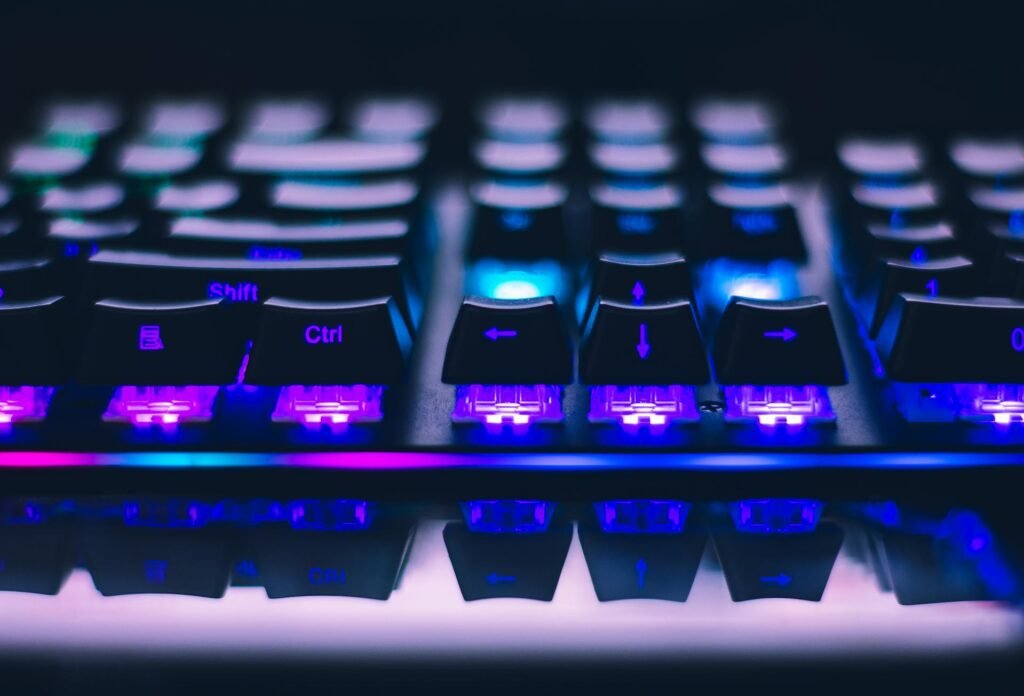
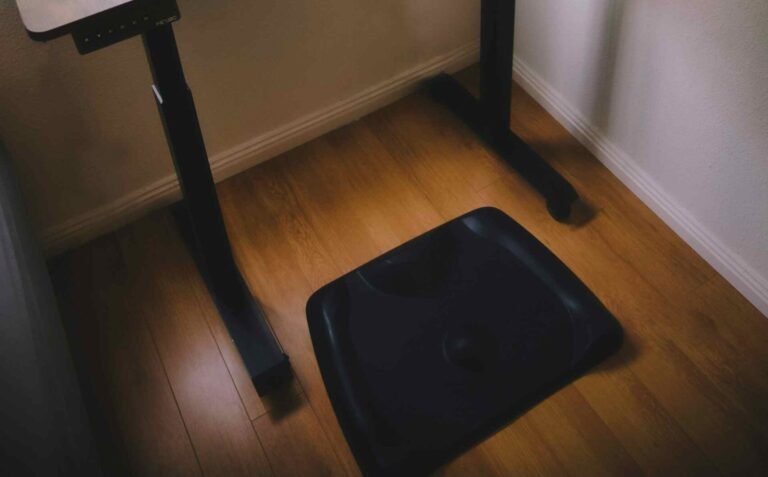
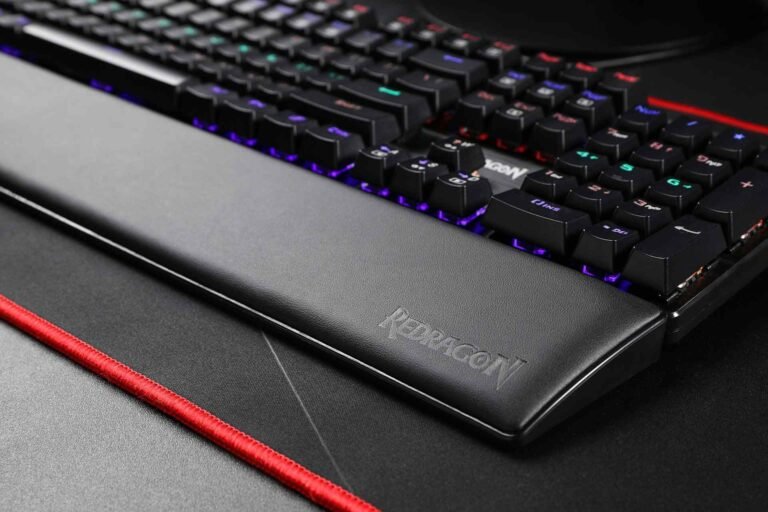
There’s also something to be said for comfort breeding confidence. When typing feels effortless and pleasant, you’re more likely to relax your hands and shoulders rather than tensing up. That relaxation translates to smoother, more fluid typing movements. Pairing your keyboard with other ergonomic accessories like wrist rests and proper footrests amplifies this comfort factor even further.
How to Type Faster on a Mechanical Keyboard
Getting a mechanical keyboard is just the first step. If you want to actually improve your typing speed, you need to be intentional about it.
Choose the Right Switch Type for Your Style
Not all mechanical switches are created equal for typing. Clicky switches (like Cherry MX Blues) provide the most feedback but can be fatiguing during extended typing sessions. Tactile switches (like Cherry MX Browns) offer a middle ground with a bump you can feel but less noise. Linear switches (like Cherry MX Reds) are smooth and fast but provide no tactile feedback, which some typists find disorienting.
If speed is your primary goal, many fast typists prefer tactile or linear switches with lighter actuation forces. Experiment if possible, because personal preference plays a huge role here.
Practice Proper Technique
A mechanical keyboard won’t fix bad typing habits. If you’re serious about speed, invest time in learning proper touch typing technique. Keep your wrists elevated (not resting on the desk), use all ten fingers, and minimize unnecessary hand movements.
The keyboard itself makes this practice more enjoyable because of the satisfying feedback, but you still need to put in the reps. Consistent practice for even 15 minutes a day will improve your speed more than any hardware upgrade.
Adjust Your Environment
Your keyboard doesn’t exist in isolation. The height of your desk, the angle of your keyboard, the quality of your lighting, all these factors affect your typing comfort and speed. Make sure you’re not hunching over or reaching awkwardly for keys.
Consider the ambient noise level too. If you’re in a quiet office and went with super clicky switches, the constant noise might stress you out or annoy colleagues, which definitely won’t help your concentration. Maintaining the right office temperature and managing distractions in shared spaces if you’re in an open plan environment creates conditions where you can focus on speed rather than discomfort.
Give Yourself an Adjustment Period
Switching to a mechanical keyboard requires adaptation, especially if you’re coming from a laptop keyboard or flat membrane board. Your fingers need time to adjust to the different travel distance and feedback. Don’t expect to immediately type faster, in fact, you might temporarily slow down.
Most people adjust within a week or two of regular use. Stick with it through the awkward phase, and your muscle memory will recalibrate to the new feel.
Mechanical vs Membrane: A Speed Comparison
Let’s put together a practical comparison to see where each keyboard type shines for different aspects of typing speed and comfort.
| Feature | Mechanical Keyboard | Membrane Keyboard |
|---|---|---|
| Actuation Force | Light to moderate (45-60g typical) | Moderate to heavy (varies widely) |
| Tactile Feedback | Clear and consistent | Mushy or minimal |
| Key Travel | 3-4mm total, activates at 1.5-2mm | Full press required (3-4mm) |
| Durability | 50-100 million keypresses per switch | 5-10 million keypresses |
| Typing Fatigue | Lower due to lighter touch | Higher from bottoming out |
| Speed Potential | High with proper switches and practice | Moderate for experienced typists |
| Consistency Over Time | Excellent, maintains feel for years | Degrades, develops dead spots |
| Noise Level | Variable (silent to very loud) | Generally quiet |
| Price Range | Higher initial investment | Budget-friendly |
| Learning Curve | 1-2 weeks adjustment period | Immediately familiar |
The truth hiding in this table is that neither keyboard type has an inherent speed advantage for an experienced typist who’s fully adapted to their board. World record typing speeds have been set on both mechanical and membrane keyboards. The real advantage of mechanical keyboards shows up in comfort, consistency, and the ability to maintain your speed over long periods without your fingers begging for mercy.
Common Myths About Mechanical Keyboards and Typing Speed
Let’s bust some myths that circulate in keyboard forums and Reddit threads.
Myth: Mechanical keyboards automatically double your typing speed. Reality check: your brain and muscle memory determine your typing speed, not your keyboard. A mechanical keyboard might help you maintain your natural speed more comfortably, but it won’t magically teach you to type faster.

Myth: You need the most expensive mechanical keyboard to see benefits. Not even close. A mid-range mechanical keyboard with quality switches will give you the same typing feel as boards costing three times as much. The expensive models often focus on premium materials, RGB lighting, and build quality rather than typing performance.
Myth: Clicky switches are always faster. The click is just sound. Some of the fastest typists prefer silent linear switches because they can type without the audio distraction. Switch preference is deeply personal and doesn’t correlate directly with speed.
Myth: Mechanical keyboards make everyone type faster. Some people genuinely type better on membrane keyboards, particularly if they learned to type on them and developed muscle memory for that specific feel. Switching to mechanical might actually slow them down if they can’t adapt to the different feedback.
Beyond Speed: The Other Benefits
While we’re focused on typing speed, mechanical keyboards offer other advantages worth mentioning that might matter more to your daily experience.
The durability factor is significant. A quality mechanical keyboard can last a decade or more with regular use, while membrane keyboards typically need replacing every few years. When you calculate cost per year, that expensive mechanical board suddenly looks more reasonable.
The customization options go beyond just key remapping. You can swap keycaps to match your aesthetic, add dampening materials to adjust the sound, even replace individual switches if one develops issues. This longevity and repairability means your keyboard can evolve with your needs rather than becoming obsolete.
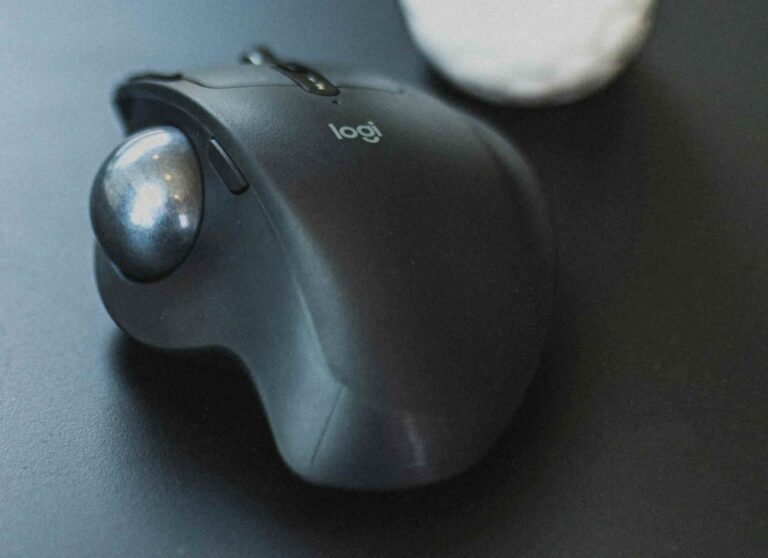
Many users report reduced strain and discomfort after switching to mechanical keyboards. The lighter actuation force and tactile feedback encourage a lighter typing touch, which can help prevent repetitive strain injuries over time. Pairing a mechanical keyboard with other ergonomic tools like a trackball or vertical mouse creates a setup that’s much kinder to your hands and wrists during long work sessions.
FAQ
Does a mechanical keyboard make you type faster?
A mechanical keyboard doesn’t automatically increase your typing speed, but it can help you maintain your natural pace more comfortably. The tactile feedback and lighter actuation force reduce finger fatigue during long typing sessions, which means your speed stays consistent rather than declining as your hands get tired. The real speed improvements come from practice and proper technique, not the keyboard itself.
How long does it take to adjust to typing on a mechanical keyboard?
Most people adjust to a mechanical keyboard within one to two weeks of regular use. During this period, you might actually type slightly slower as your muscle memory recalibrates to the different key travel and feedback. Once adapted, many users find they can type more comfortably for longer periods without fatigue.
Are mechanical keyboards worth it for casual typists?
If you only type occasionally for emails and web browsing, a mechanical keyboard is more of a luxury than a necessity. However, if typing feels uncomfortable on your current keyboard or you want a more enjoyable experience, the improved feel and durability can justify the investment even for casual use. It depends on your budget and how much you value the typing experience.
What type of mechanical switch is best for typing speed?
There’s no universal “best” switch for typing speed, as preference varies by individual. Many fast typists prefer tactile switches (like Cherry MX Browns) or light linear switches (like Cherry MX Reds) because they provide feedback or smoothness without requiring much force. Clicky switches work well for some but can be fatiguing during marathon typing sessions. Testing different switches helps you find what works for your typing style.
Can mechanical keyboards help reduce typing errors?
The consistent tactile and audible feedback from mechanical keyboards can help reduce typing errors by providing clear confirmation of each keypress. This feedback helps your brain register successful keypresses without constantly checking the screen. However, accuracy ultimately depends on your typing technique and familiarity with the keyboard layout more than the keyboard type itself.
Do mechanical keyboards require more maintenance than membrane keyboards?
Mechanical keyboards require minimal maintenance beyond occasional cleaning to remove dust and debris between keys. Their modular design actually makes them easier to clean thoroughly compared to membrane keyboards. With proper care, mechanical switches can last 50-100 million keypresses, far outlasting membrane keyboards that typically need replacement after a few years of heavy use.
Conclusion
So, can you type faster on a mechanical keyboard? The honest answer is that you’ll probably type at the same speed you always did, but you’ll feel a whole lot better doing it. And that’s not a cop-out, it’s actually the whole point.
Typing speed ultimately comes down to your skill, muscle memory, and practice. No keyboard can magically grant you superpowers (though wouldn’t that be nice?). What a mechanical keyboard can do is create an environment where maintaining your natural speed feels effortless rather than exhausting. Less fatigue means more consistent performance, fewer breaks, and a typing experience that doesn’t make you want to throw your keyboard out the window by 3 PM.
The tactile feedback, the satisfying sound, the lighter actuation force, these aren’t gimmicks. They’re genuine quality-of-life improvements that transform typing from a necessary evil into something you might actually enjoy. And when you enjoy something, you tend to do more of it, which naturally leads to improvement over time.
Whether a mechanical keyboard is worth it depends entirely on how much you value that improved experience. If you’re typing for hours every day, the comfort and durability benefits pay for themselves quickly. If you’re hunt-and-pecking through occasional emails, maybe save your money for something else (or invest in typing lessons first).
But here’s the thing we’ve discovered through writing about workspace optimization, the tools that make your daily work more pleasant aren’t frivolous luxuries. They’re investments in your productivity, comfort, and maybe even your sanity. Sometimes the click-clack of mechanical switches isn’t just noise. It’s the sound of someone who figured out that work doesn’t have to feel like work all the time.
Now if you’ll excuse us, we need to go practice our typing technique. These articles won’t write themselves, no matter how fancy the keyboard.
Looking for more? Check out our productivity tools category for more articles and guides that may interest you!
Featured image credit: Photo by Jakub Żerdzicki on Unsplash
This content is for informational purposes only. Please verify current information directly on the retailer’s site before purchasing.