Does Cold Weather Affect Electronics? What Winter Does to Your Devices

Winter brings cozy sweaters, hot chocolate, and the sudden realization that your phone just died at 40% battery while you were outside. Sound familiar? You’re definitely not alone in wondering whether cold weather affects electronics. The short answer is yes, and it happens in ways that might surprise you.
Pulling out a frozen phone from our pocket only to watch it shut down instantly, or finding our laptop acting sluggish after being left in the car overnight. But what’s actually happening inside these devices when temperatures drop? And more importantly, how can we keep our tech running smoothly when winter decides to overstay its welcome?
What Actually Happens When Cold Temperatures Affect Electronics
Electronics are surprisingly picky about their environment. Most devices are designed to operate comfortably between 32°F and 95°F (0°C to 35°C), which means anything below freezing starts pushing them outside their happy zone.
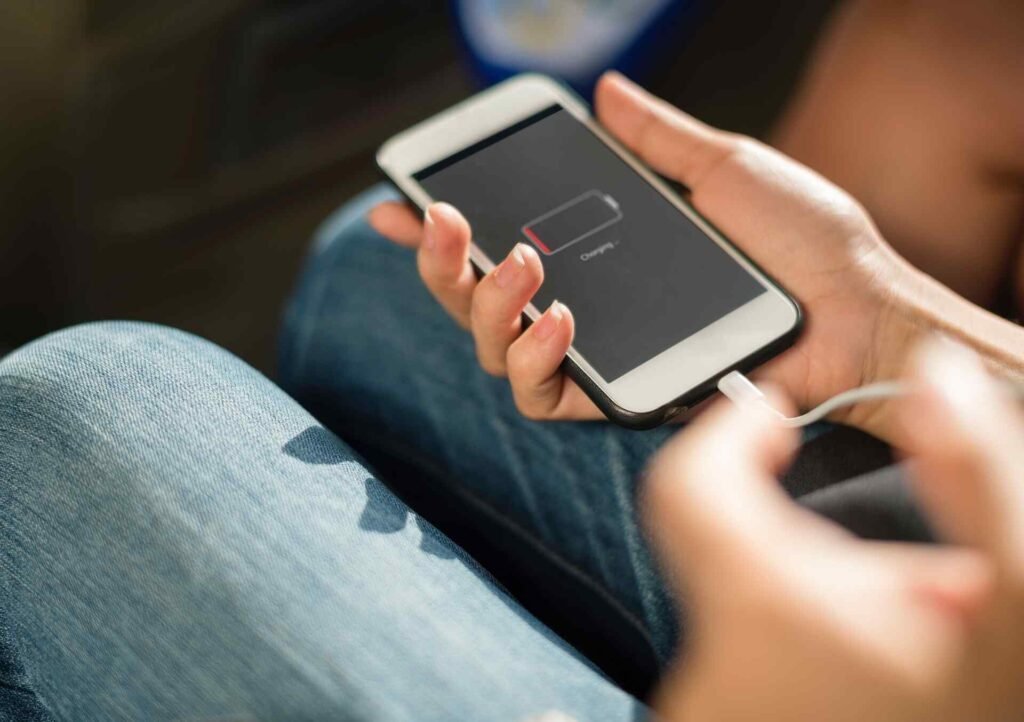
When temperatures plummet, several things happen simultaneously inside your devices. First, the chemical reactions in lithium-ion batteries slow down dramatically. Think of it like trying to pour honey straight from the fridge versus honey that’s been sitting at room temperature. The cold makes everything sluggish, which is why your fully charged phone might suddenly show a critically low battery when you step outside on a freezing morning.
The display screens in your devices also contain liquid crystals (hence the term LCD), and these crystals become more viscous in cold conditions. This is why your screen might look dim or take forever to respond to touch commands when it’s chilly. Sometimes, you’ll even notice weird color distortions or ghosting effects that vanish once the device warms up.
Cold weather also causes materials to contract. Since your electronics are made of different materials that all shrink at different rates, this can create stress on delicate components and connections. Solder joints might crack, circuit boards could warp slightly, and those tiny connections that make everything work can become unreliable.
Does Cold Weather Damage Electronics Permanently?
Here’s where things get interesting. The cold itself usually won’t kill your devices outright, but it can definitely shorten their lifespan or cause immediate problems if you’re not careful.
Battery health takes the biggest hit from repeated cold exposure. Every time your battery operates in freezing temperatures, it experiences additional wear. The electrolyte solution inside becomes less effective at transferring ions, which means the battery has to work harder to deliver the same amount of power. Over time, this accelerates degradation and reduces the overall capacity your battery can hold.
But the real danger isn’t just being cold. It’s the transition from cold to warm. When you bring a frozen device into a heated room, condensation forms inside the casing. Water and electronics mix about as well as cats and bath time. This moisture can cause short circuits, corrode connections, and create all sorts of havoc that might not show up immediately but will definitely cause problems down the line.
Hard drives with moving parts (traditional HDDs) are particularly vulnerable to cold damage. The lubricant in the bearings can thicken, making it harder for the platters to spin up properly. In extreme cases, the drive might not start at all, or worse, the read/write heads could crash into the platter surface and destroy your data.
How Cold Is Too Cold for Your Gadgets?
Most consumer electronics start experiencing performance issues around 32°F (0°C), though they can often tolerate brief exposure to these temperatures without permanent harm. Below 14°F (-10°C), you’re entering the danger zone where serious problems become more likely.
Different devices have different thresholds, though. Smartphones and tablets typically become sluggish around freezing but might survive short trips outside. Laptops can handle slightly cooler temperatures because they generate their own heat during operation. Gaming consoles and desktop computers generally prefer indoor living and don’t appreciate garage storage during winter months.
The humidity level matters just as much as the temperature. Dry cold is actually less problematic than damp cold because there’s less moisture available to condense inside your devices. This is why electronics sometimes fare better in dry, frigid climates than in milder but more humid winter conditions.

Storage temperature and operating temperature are two different things. Many devices can be stored safely at much lower temperatures than they can actually operate in. Your phone might survive sitting in a cold car overnight (though we don’t recommend it), but trying to use it immediately after retrieving it is asking for trouble.
Device-by-Device Breakdown: Winter Vulnerabilities
Smartphones and Tablets
These pocket companions are particularly sensitive to cold because they rely so heavily on battery power. The touchscreen becomes less responsive, apps might crash unexpectedly, and that camera you wanted to use for winter photos might refuse to open. Some phones even display warning messages and shut down automatically to protect themselves when temperatures drop too low.
Laptops and Computers
Laptops generate heat during use, which provides some protection against the cold. However, leaving them in frozen cars or unheated spaces when powered off leaves them vulnerable. The transition from cold to warm is especially risky because condensation can form on the motherboard and other components. If you need reliable computing power in various temperature conditions, devices with solid-state drives (SSDs) handle temperature swings better than those with traditional hard drives.
Wearable Devices and Accessories
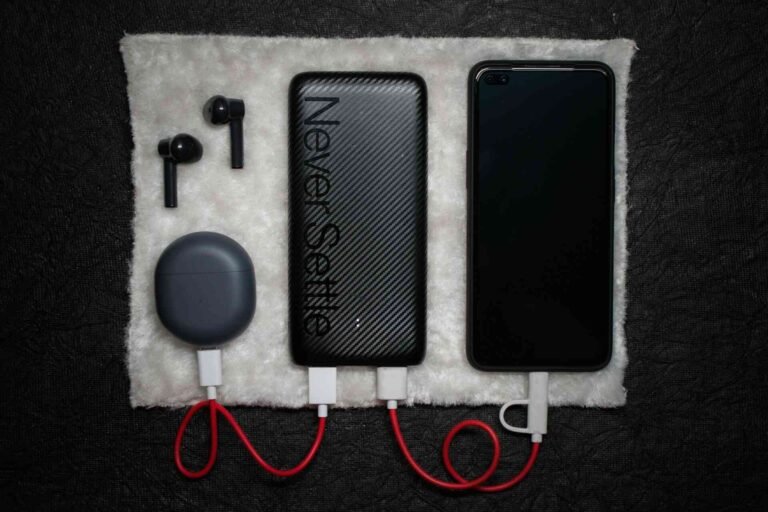
Fitness trackers, smartwatches, and wireless earbuds all contain tiny batteries that are extremely sensitive to cold. These devices might not even turn on when frozen, and their battery life can drop to a fraction of normal runtime. A quality USB charging station becomes essential during winter for keeping all these accessories topped up and ready.
External Storage and Peripherals
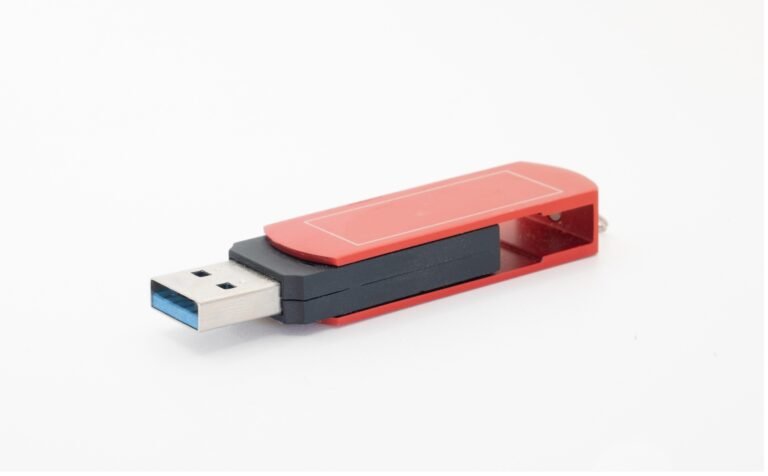
Flash drives and external hard drives don’t appreciate temperature extremes either. While flash memory is more resilient than mechanical drives, it can still suffer data corruption if subjected to rapid temperature changes. External SSDs offer better temperature tolerance than traditional external drives, making them worth considering if you frequently transport data in cold conditions.
Related article: External SSD vs USB Flash Drive
Comparison: How Different Electronics Handle the Chill
| Device Type | Cold Tolerance | Primary Risk | Recovery Time |
|---|---|---|---|
| Smartphones | Low (32°F+) | Battery failure, screen issues | 15-30 minutes |
| Laptops (SSD) | Moderate (14°F+) | Condensation damage | 30-60 minutes |
| Laptops (HDD) | Low-Moderate (23°F+) | Drive failure, condensation | 45-90 minutes |
| Tablets | Low (32°F+) | Battery drain, touch response | 20-40 minutes |
| Gaming Consoles | Low (32°F+) | Hardware failure, disc drive issues | 60+ minutes |
| Wireless Earbuds | Very Low (40°F+) | Battery exhaustion | 10-20 minutes |
| External HDDs | Low (32°F+) | Mechanical failure | 60+ minutes |
| Flash Drives | Moderate (14°F+) | Data corruption (rare) | 15-30 minutes |
Smart Protection Strategies for Cold Weather
Protecting your electronics from winter’s worst doesn’t require extreme measures, just some thoughtful planning and a few simple habits.
Keep devices close to your body when outdoors. Your natural body heat provides excellent insulation for phones and small devices. An inside jacket pocket works far better than an outer coat pocket or backpack. For longer outdoor exposure, consider an insulated case designed specifically for cold weather use.
Never power on cold devices immediately after bringing them inside. This is probably the single most important rule for winter electronics care. Let the device gradually warm to room temperature for at least 30 minutes before turning it on. This gives any condensation time to evaporate naturally without causing short circuits.
If you must leave electronics in a cold car, place them in an insulated bag with some kind of padding. Even better, keep a small insulated cooler (the same kind you use for picnics) in your trunk. These containers trap whatever warmth remains in the device and slow the cooling process significantly.
The Warm-Up: Bringing Frozen Tech Back to Life
So your device got cold despite your best efforts. Don’t panic, and definitely don’t reach for the hair dryer or space heater. Rapid warming is just as dangerous as the cold itself.
Place the device in a sealed plastic bag before bringing it into a warm environment. This prevents moisture in the warm air from condensing directly on the cold device surface. The bag creates a barrier where condensation forms on the outside instead of the inside.
Choose a room-temperature location for the warm-up period, not next to a radiator or heating vent. Patience is crucial here. Depending on how cold the device got and its size, you might need anywhere from 30 minutes to several hours before it’s safe to power on.
Check for visible moisture before attempting to use the device. Look at ports, under protective cases, and around screen edges. If you see any water droplets or fogging, wait longer. Using a device with internal moisture is like playing Russian roulette with your electronics.
Some devices benefit from placing them near (not on) a bag of rice or silica gel packets during the warm-up phase. These materials absorb ambient moisture and can help speed up the drying process if any condensation did form.
When Winter Workspace Becomes a Factor
For those working in garages, outdoor spaces, or poorly heated areas during winter, maintaining the right temperature for productivity becomes just as important as protecting your devices. Electronics aren’t the only things that struggle in the cold; our own productivity and comfort take a hit too.
The optimal temperature for both human performance and electronics sits around 68-72°F (20-22°C). Below this range, typing becomes uncomfortable, screens might dim, and devices may throttle performance to preserve battery life.
Storage Solutions for Seasonal Electronics
Not all devices need to brave the winter. Seasonal electronics like outdoor cameras, certain tools, or backup equipment might spend months in storage. How you store them matters significantly for their longevity.
Remove batteries before long-term cold storage when possible. Batteries suffer the most damage from extended cold exposure, and storing them separately in a temperature-controlled space adds years to their lifespan. This applies to everything from camera batteries to rechargeable tool packs.
Store devices in sealed containers with desiccant packets. This creates a controlled microenvironment that stays relatively stable even if the surrounding temperature fluctuates. Those silica gel packets that come with new shoes or electronics? Save them for exactly this purpose.
Avoid attics and uninsulated garages for electronics storage. These spaces experience the most extreme temperature swings, often going from freezing at night to relatively warm during sunny days. This constant cycling causes more damage than maintaining a steady cold temperature.
If you have valuable external storage devices, consider bringing them inside for winter even if you won’t be using them. The relatively small amount of space they occupy is worth the peace of mind knowing your data isn’t experiencing temperature-related degradation.
Recognizing Cold Damage Symptoms
Battery life that suddenly drops significantly even after a full charge often indicates cold-related damage. If your phone that used to last all day now needs charging by lunch, and winter recently arrived, the cold might be to blame. While batteries naturally degrade over time, cold exposure accelerates this process noticeably.
Screen anomalies like persistent dark spots, lines that won’t disappear, or areas that don’t respond to touch can indicate liquid crystal damage from freezing. Some of these issues resolve once the device fully warms, but permanent damage does occur when liquid crystals freeze solid.
Unusual noises from hard drives, especially clicking or grinding sounds during startup, suggest that the lubricant has thickened or components have contracted in ways that affect normal operation. This is a serious warning sign that deserves immediate attention and probably a data backup if you haven’t already done one.
Performance throttling that persists even after warming up might indicate that the device’s internal sensors are reading incorrect temperatures. Some devices become overly cautious after cold exposure and continue limiting performance even when they’ve returned to normal operating temperatures. A full restart often resolves this.
FAQ
Can I charge my phone when it’s cold?
Charging a cold battery is actually riskier than using it cold. Lithium-ion batteries should never be charged below 32°F (0°C) because the charging process can cause lithium plating on the battery’s anode, which permanently reduces capacity and can even create safety hazards. Always let your device warm to room temperature before plugging it in. If you absolutely must charge in the cold, use the slowest charging speed possible to minimize stress on the battery.
Will my laptop battery die faster in winter?
Yes, cold temperatures definitely reduce battery runtime. The chemical reactions inside batteries slow down in cold conditions, which means they can’t deliver their full capacity. You might see your battery percentage drop rapidly or experience unexpected shutdowns even when the indicator shows charge remaining. This is temporary while the device is cold, but repeated exposure does contribute to faster long-term battery degradation.
Is it worse to leave electronics in a cold car or a hot car?
Both extremes are bad, but heat generally causes more immediate and severe damage than cold. Hot car interiors can easily exceed 150°F in summer, which can melt components, expand batteries to dangerous levels, and cause immediate failure. Cold is typically more forgiving in the short term, though the warm-up condensation risk is serious. The best answer? Don’t leave electronics in your car if you can avoid it, regardless of season.
Do cold temperatures damage electronics faster than normal use?
Cold exposure accelerates certain types of wear, particularly battery degradation, but normal use causes its own forms of wear. The combination of cold exposure AND active use is actually worst because the device generates heat internally while fighting external cold, creating temperature stress. Occasional cold exposure probably won’t noticeably shorten device life, but regular cold-weather use without protection definitely will, especially for battery-powered devices.
Does cold weather affect USB devices and hubs?
USB hubs and accessories are generally more resilient than devices with batteries, but they’re not immune to cold damage. The electronic components inside can still be affected by extreme cold, and the physical connections may contract enough to cause intermittent connectivity issues. Overheating problems that plague hubs in summer actually become less of a concern in winter, though you should still ensure adequate airflow to prevent condensation buildup in enclosed spaces.
Wrapping Up Without Freezing Out
Winter doesn’t have to be your electronics’ worst enemy. Sure, cold weather affects electronics in ways that range from annoying to potentially damaging, but armed with the right knowledge, you can keep your devices running smoothly all season long.
Keep devices close to body heat when outdoors, never power on cold electronics immediately after bringing them inside, and be patient during the warm-up process. These simple habits prevent the vast majority of cold-weather tech problems.
Think of it this way: your devices are a bit like houseplants that you occasionally have to take outside. They’ll tolerate brief exposure to less-than-ideal conditions, but they really just want to stay cozy indoors where it’s warm. And honestly, after learning about all the things that can go wrong in the cold, we can’t blame them.
So this winter, when you’re debating whether to leave your laptop in the car while you run errands, remember that your tech is silently hoping you’ll bring it inside. It might not be able to shiver or complain, but it definitely appreciates being treated like the temperature-sensitive electronic friend it is. Stay warm out there, and keep your gadgets even warmer.
Looking for more? Check out our tech utilities category for more articles and guides that may interest you!
Featured image credit: Photo by Ali Kazal on Unsplash
This content is for informational purposes only. Please verify current information directly on the retailer’s site before purchasing.
References:
Aku Visuri, Jonatan Hamberg, Ella Peltonen, Exploring the effects of below-freezing temperatures on smartphone usage, Pervasive and Mobile Computing, Volume 79, 2022, 101509, ISSN 1574-1192. https://doi.org/10.1016/j.pmcj.2021.101509
Gui H, Chen R, Niu J, Zhang Z, Tolbert LM, Wang FF, Blalock BJ, Costinett D, Choi BB. Review of Power Electronics Components at Cryogenic Temperatures. IEEE Trans Power Electron. 2020 May;35(5):5144-5156. https://doi.org/10.1109/tpel.2019.2944781
V. Lakshminarayanan and N. Sriraam, “The effect of temperature on the reliability of electronic components,” 2014 IEEE International Conference on Electronics, Computing and Communication Technologies (CONECCT), Bangalore, India, 2014, pp. 1-6. https://doi.org/10.1109/CONECCT.2014.6740182